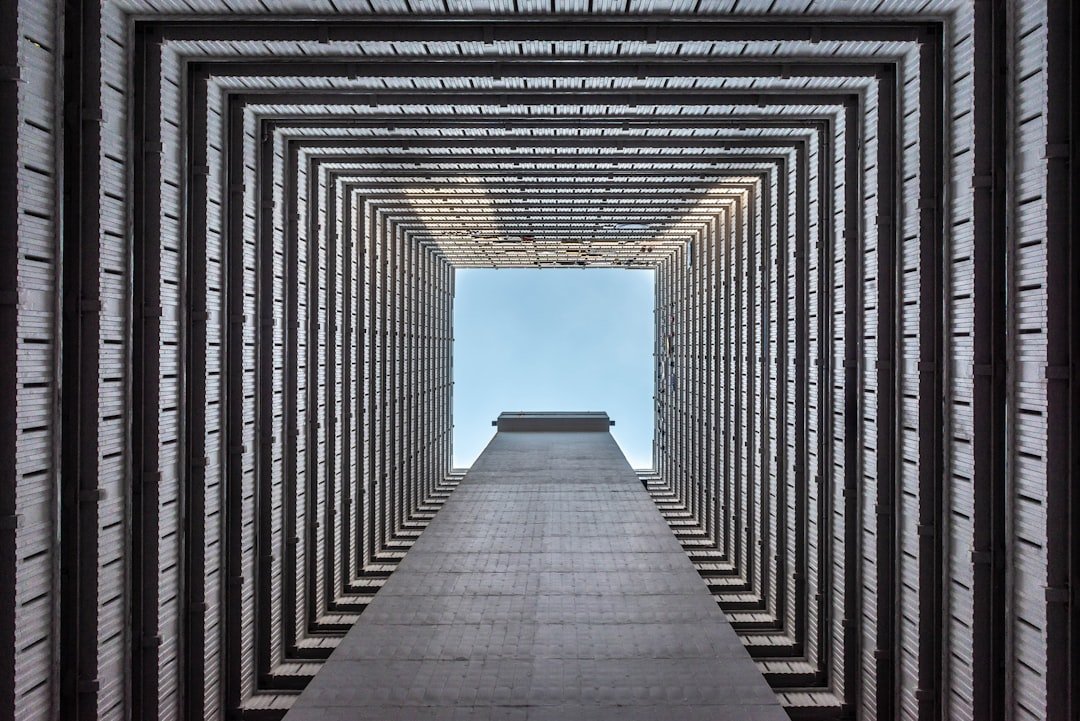
Understanding and Fixing Architectural Perspective Issues
One of the most common challenges photographers encounter when capturing buildings, trees, and vertical structures is the unwanted convergence of parallel lines. This optical phenomenon, known as perspective distortion, occurs naturally when shooting upward or at angles, yet it remains nearly invisible until you examine the final image closely. Once noticed, these tilted verticals become distractingly obvious, potentially undermining otherwise compelling compositions.
The good news for digital photographers is that Lightroom Classic provides robust correction capabilities through its Transform module. Rather than relying on expensive specialized optics like tilt-shift or perspective-correcting lenses—investments that can easily exceed several thousand dollars—most shooters can achieve professional-quality results using post-processing techniques.
Leveraging the Transform Tool Effectively
Lightroom Classic’s Transform panel offers several adjustment sliders specifically designed to address convergence issues. The Vertical and Horizontal correction sliders work by mathematically straightening lines that appear to lean or angle toward the frame’s center. Understanding how these controls function allows photographers to systematically eliminate distortion in a matter of minutes rather than hours.
The vertical correction slider proves particularly valuable for architectural photography, where viewers expect structural lines to appear genuinely perpendicular. When photographing a building while pointing the camera upward, the walls naturally appear to angle inward. By applying the appropriate vertical correction, photographers can restore the original architectural intent without requiring specialized glass or expensive equipment.
Practical Application and Best Practices
Beginning photographers often discover that subtle perspective corrections dramatically improve overall image quality. The process involves opening the Transform panel in Lightroom Classic’s Develop module and experimenting with slider adjustments while monitoring the live preview. Most photographers can identify the optimal correction level within seconds by observing how the frame’s reference grid aligns with their subject’s key architectural elements.
It’s worth noting that aggressive perspective corrections may introduce some edge distortion or require minor cropping to maintain composition. Professional photographers typically factor this into their shooting technique, leaving adequate margins in their framing to accommodate post-processing adjustments.
Why This Matters for Your Workflow
By mastering these correction techniques, photographers gain creative freedom when composing their shots. Rather than obsessing over achieving perfect vertical alignment in-camera—which often requires awkward positioning or special equipment—shooters can confidently frame their subjects knowing they can refine perspective later. This approach democratizes professional-quality results, making sophisticated architectural photography accessible to enthusiasts and professionals alike.
The Transform tool represents one of Lightroom Classic’s most underutilized features, despite its profound impact on image quality. Investing time to understand this capability transforms how photographers approach shooting buildings, landscapes with prominent trees, and other subjects vulnerable to converging line distortion. What once required thousands of dollars in specialized equipment can now be handled through straightforward digital adjustments, making this a essential skill for any photographer’s post-processing repertoire.