Powerful New Masking Capabilities Transform Adobe Camera Raw Workflow
Adobe’s recent software release introduced two sophisticated masking functionalities within Camera Raw that have largely flown under the radar of the photography community. These additions represent a meaningful evolution in how professionals approach selective adjustments, particularly when dealing with challenging photographic scenarios that demand precision and control.
Understanding the New Masking Tools
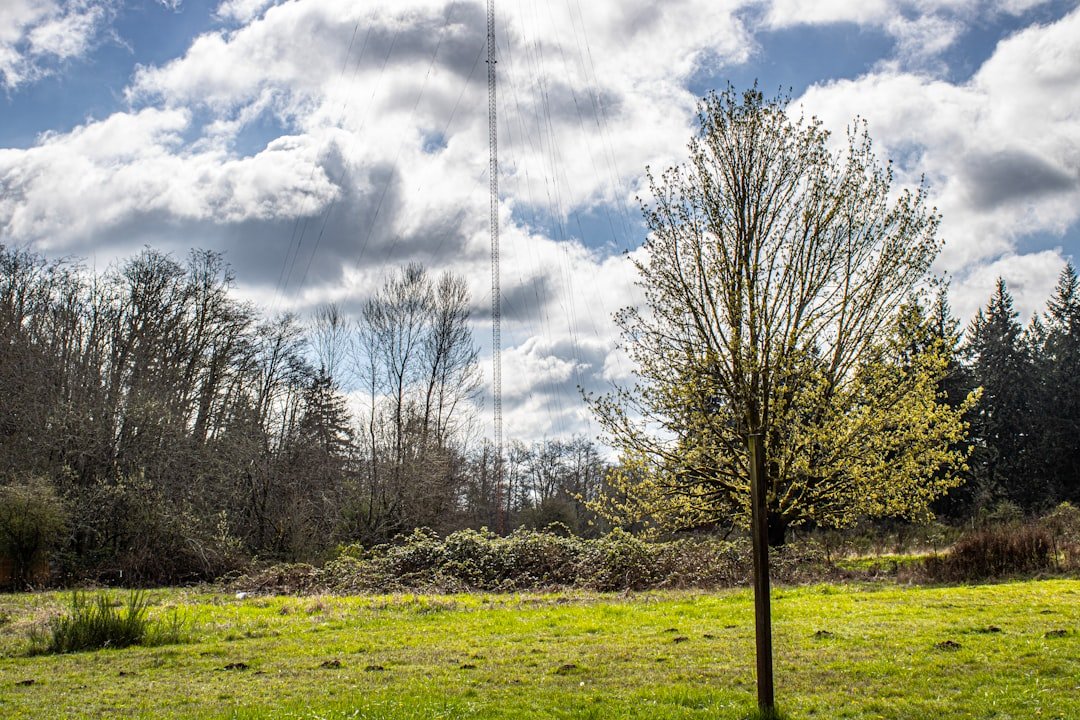
For photographers who regularly encounter intricate edge detection challenges—such as capturing foliage silhouetted against overexposed skies or isolating subjects with complex boundary conditions—these fresh capabilities offer substantial advantages. The tools streamline the traditional workflow by enabling more nuanced exposure management and chromatic modifications without requiring additional plugin solutions or extensive post-processing in the main editing interface.
The masking improvements address a longstanding workflow bottleneck that many digital photographers have navigated for years. Previously, achieving precise adjustments on problematic edges often necessitated switching between Camera Raw and Photoshop’s more resource-intensive toolset, creating friction in the editing pipeline.
Practical Applications for Professional Photographers
These enhancements prove particularly valuable for several photographic disciplines. Landscape photographers benefit from refined sky and foreground separation, while portrait photographers gain better control over selective skin tone adjustments without affecting surrounding background elements. The tools accommodate wildlife photographers working with high-contrast scenarios and environmental portrait specialists seeking to isolate subjects from intricate backgrounds.
The integration within Camera Raw—rather than requiring separate modules—maintains the efficiency that professionals value when processing image batches. Photographers can apply these selective modifications at the raw processing stage, establishing foundational adjustments before committing images to subsequent workflow stages.
Technical Advantages and Integration
The masked adjustment capability represents a meaningful convergence of raw processing power with selective editing functionality. Rather than treating mask creation and adjustment application as separate operations, these tools consolidate the process, reducing repetitive steps and minimizing quality loss through unnecessary file transfers between applications.
For photographers utilizing Adobe’s ecosystem, this development eliminates redundant manual masking efforts that previously consumed valuable editing time. The implementation maintains compatibility with existing Camera Raw workflows while introducing non-destructive adjustment layers that photographers can refine throughout their editing sessions.
Looking Forward
This update exemplifies Adobe’s incremental approach to enhancing the Camera Raw experience—focusing on addressing real-world editing scenarios rather than introducing flashy but impractical features. The addition signals the company’s commitment to refining the raw processing stage, where photographic fundamentals are established.
Photographers who haven’t yet explored these fresh masking capabilities should prioritize investigating how they integrate into their personal editing methodologies. As with most software advancements, early adoption and experimentation facilitate faster workflow optimization and more efficient use of one’s overall production time. The tools represent a practical enhancement worth investigating, particularly for those who consistently work with compositionally or tonally challenging photographic material.