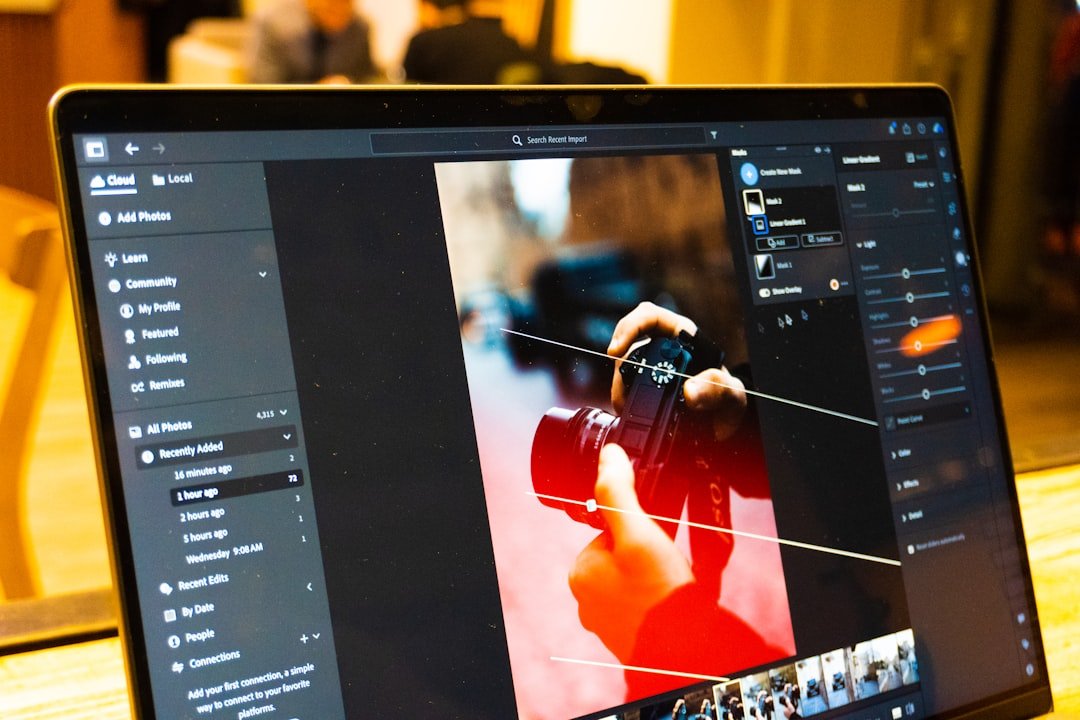
Adobe Lightroom has emerged as a powerful ally for photographers seeking to refine their compositions without requiring advanced skills in complex editing software. The platform now offers streamlined tools for removing unwanted individuals from ensemble photographs, seamlessly closing visual gaps as though those subjects were never present in the original frame.
Democratizing Advanced Editing Capabilities
Professional retouching has historically demanded proficiency with sophisticated software like Photoshop, particularly when managing intricate tasks involving layer manipulation and masking techniques. This technical barrier has excluded many photographers—from hobbyists to emerging professionals—from performing essential editorial adjustments. Lightroom’s latest functionality addresses this accessibility gap by embedding removal capabilities directly into its intuitive interface.
The shift represents a significant evolution in post-production workflows. Photographers no longer need to navigate the steep learning curve associated with traditional composition editing or invest time mastering advanced masking methodologies. The integration places professional-grade retouching within reach of anyone using Lightroom’s standard suite.
Practical Applications for Modern Photography
Group photography presents unique compositional challenges. Uninvited photobombers, photographic subjects who blink or display awkward expressions, and unwanted environmental elements frequently compromise otherwise excellent captures. Rather than discarding an otherwise strong image, photographers can now leverage Lightroom’s removal features to salvage their work.
This capability proves particularly valuable in professional contexts—wedding photography, corporate events, family portraits, and editorial assignments—where delivering polished final images to clients remains paramount. The ability to perform these adjustments within Lightroom’s non-destructive editing environment streamlines the entire post-production pipeline.
Understanding the Workflow
The process maintains Lightroom’s user-friendly design philosophy. Rather than requiring understanding of layer theory or mask creation, photographers simply identify the unwanted subject and deploy the removal tool. The software intelligently analyzes surrounding pixels and content-aware algorithms, intelligently reconstructing the affected area as though nothing occupied that space originally.
This approach preserves the image’s authenticity while maintaining the photographer’s creative vision. The adjustments remain reversible, allowing editors to fine-tune results or revert changes entirely—a fundamental advantage of Lightroom’s non-destructive methodology.
Bridging the Professional Gap
While Photoshop remains the industry standard for comprehensive image manipulation, Lightroom’s expanded toolkit acknowledges market reality: many photographers require capable editing functionality without the complexity premium software demands. By embedding these capabilities directly into Lightroom’s ecosystem, Adobe recognizes that accessibility and efficiency matter tremendously to contemporary creators.
The development also reflects broader industry trends toward integrated, streamlined workflows. Modern photographers increasingly prefer consolidated platforms that handle capture, organization, editing, and output management within unified environments.
Looking Forward
As computational photography continues advancing, we can anticipate further integration of AI-powered retouching capabilities across professional software platforms. Lightroom’s latest enhancement suggests Adobe’s commitment to expanding accessibility without sacrificing functionality—a philosophy that benefits the entire creative community. Whether you’re a seasoned professional seeking workflow efficiency or an emerging photographer building foundational skills, these tools democratize the post-production process in meaningful ways.