Understanding the Enhanced Clarity and Dehaze Capabilities
Adobe’s latest iteration of Photoshop introduces a sophisticated Clarity and Dehaze adjustment layer that represents a significant leap forward for digital photographers working across multiple genres. This powerful tool addresses one of the most persistent challenges in post-production: managing atmospheric distortion and haze that obscures image clarity and vibrancy.
For photographers specializing in landscape work or environmental portraiture, this feature addresses a critical pain point. Whether dealing with humidity-induced atmospheric interference, pollution haze, or natural weather conditions, the dehaze function provides granular control over image clarity. The distinction lies not merely in the tool’s existence, but in its refined implementation within the 2026 release cycle.
Strategic Application Prevents Over-Processing
The most crucial lesson for photographers implementing this adjustment concerns restraint and precision. While the temptation exists to apply dehaze uniformly across an entire composition, doing so frequently results in an artificial, over-processed aesthetic that betrays the adjustment’s application. Professional results demand a more nuanced approach.
Savvy editors should isolate the affected atmospheric regions before activating any dehaze adjustments. This selective methodology ensures that only the areas actually compromised by haze receive treatment, preserving natural tonality throughout the remainder of the frame. The distinction between global and targeted application fundamentally changes the final output’s credibility and visual impact.
Technical Workflow Best Practices
Implementing layer-based adjustments allows photographers to maintain non-destructive editing workflows while preserving original image data. By creating dedicated adjustment layers rather than directly modifying baseline pixels, editors retain complete flexibility for future modifications or alternative treatments.
The dehaze slider operates within a specific tonal range, meaning photographers gain enhanced control by understanding these parameters. Subtle adjustments—rather than aggressive moves—typically yield professional-grade results that enhance rather than manipulate perceived reality. This measured approach proves particularly valuable for editorial work, where credibility carries paramount importance.
Practical Applications Across Photography Disciplines
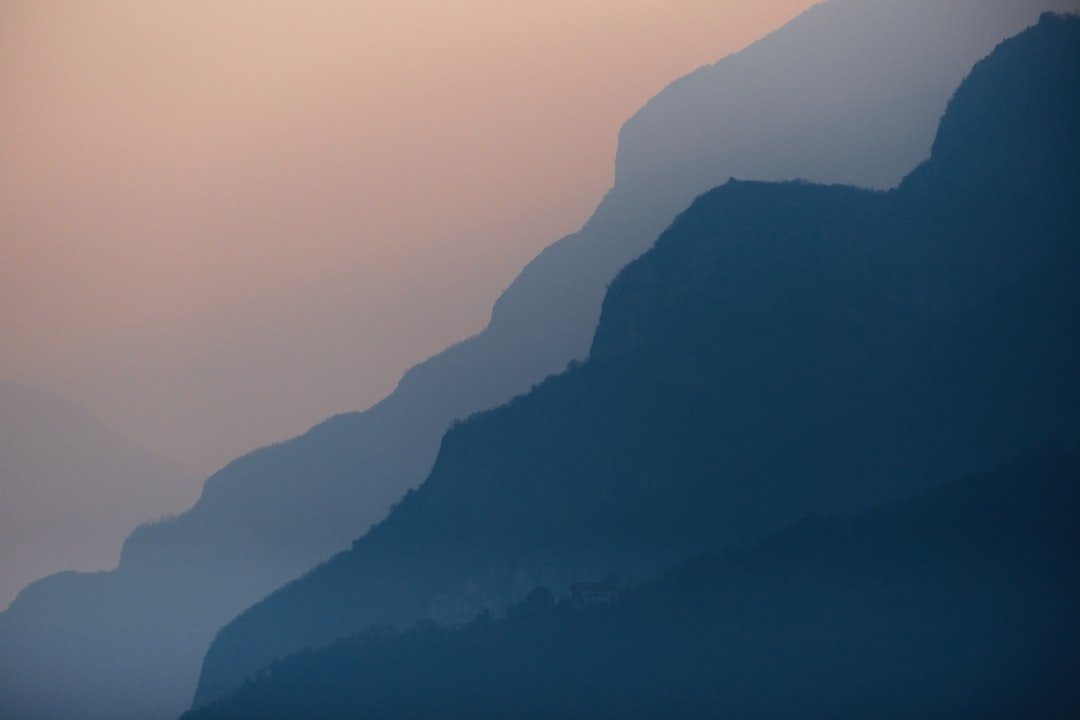
Environmental and landscape photography particularly benefits from these advancements. Morning fog, distant mountains obscured by atmospheric perspective, or urban environments affected by particulate matter all become more manageable in post-production. Fashion and beauty photographers working outdoors during challenging light conditions similarly gain powerful remedial options.
The tool extends beyond simple problem-solving, however. Creative professionals can strategically employ dehaze to enhance visual drama, sculpt tonal separation, or emphasize specific compositional elements through selective clarity enhancement.
Maximizing Investment in Current Software Versions
For professionals already invested in Photoshop 2026 subscriptions, exploring these refined adjustment capabilities represents essential professional development. Understanding the full scope of available tools directly impacts efficiency and output quality. Dedicating time to mastering selective application techniques yields immediate dividends in workflow optimization and final image quality.
The dehaze feature exemplifies how incremental software improvements address real-world photographic challenges when photographers understand their proper implementation. Combining technical knowledge with artistic judgment produces compelling results that distinguish professional post-production work from casual editing.