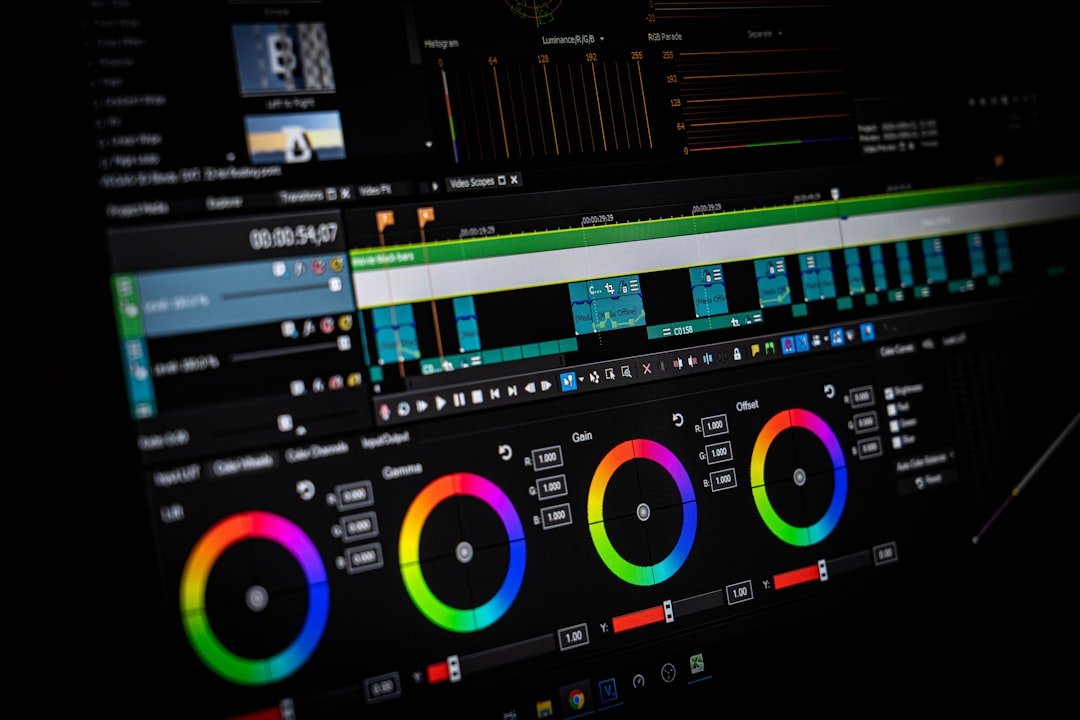
Unlocking the Subtle Art of Digital Color Grading
Within Adobe Photoshop lies a collection of sophisticated color grading capabilities that many photographers overlook. These tools offer professionals a nuanced approach to adjusting the emotional resonance and visual character of their images while preserving authenticity and detail.
Color grading represents one of the most powerful yet underutilized techniques in digital post-processing. When executed skillfully, it can completely transform how viewers perceive a photograph’s mood, atmosphere, and narrative without introducing the artificial appearance that often accompanies aggressive editing. The difference between a masterfully graded image and an over-processed one frequently separates professional-quality work from amateur results.
The Challenge of Consistency Across Varying Light Conditions
Photography presents an inherent challenge when capturing multiple shots under different lighting scenarios. Consider two photographs of identical subjects—perhaps wildlife in its natural habitat—taken during distinct times of day or under different weather conditions. Without proper color grading intervention, these images can appear visually disconnected, belonging to entirely separate photoshoots rather than forming a cohesive series.
Experienced photographers understand that light’s color temperature, intensity, and direction fundamentally alter how camera sensors record visual information. Morning light carries warm, golden tones, while overcast conditions produce cooler, neutral palettes. Evening photography introduces entirely different color casts compared to midday exposure. These variables mean that straight-from-camera images require careful color correction and grading to achieve visual harmony across a collection.
Photoshop’s Hidden Grading Arsenal
Rather than relying exclusively on standalone color grading software, photographers can harness Photoshop’s integrated tools to achieve sophisticated results. The application contains several underutilized features specifically designed for color manipulation, allowing practitioners to establish consistent looks across image libraries while maintaining individual photograph integrity.
These tools enable precise control over specific color ranges, tonal adjustments, and luminance values. By understanding where these features reside within Photoshop’s interface and how to apply them strategically, photographers can develop signature aesthetic treatments that define their visual voice while ensuring all images maintain technical quality and believability.
The Philosophy of Invisible Editing
The hallmark of exceptional color grading involves making substantial adjustments while leaving no obvious fingerprints of manipulation. Rather than obvious filters or extreme color shifts, professional grading works to enhance existing qualities within the image while steering emotional responses through subtle palette adjustments.
This sophisticated approach requires understanding color theory, viewer psychology, and technical capabilities of digital imaging. It demands restraint and intentionality—the ability to recognize when an image has achieved its optimal presentation rather than continuing to add layers of adjustment.
For photographers seeking to elevate their post-processing capabilities and develop more consistent, professional-appearing collections, exploring Photoshop’s color grading features represents a valuable investment of time and practice.