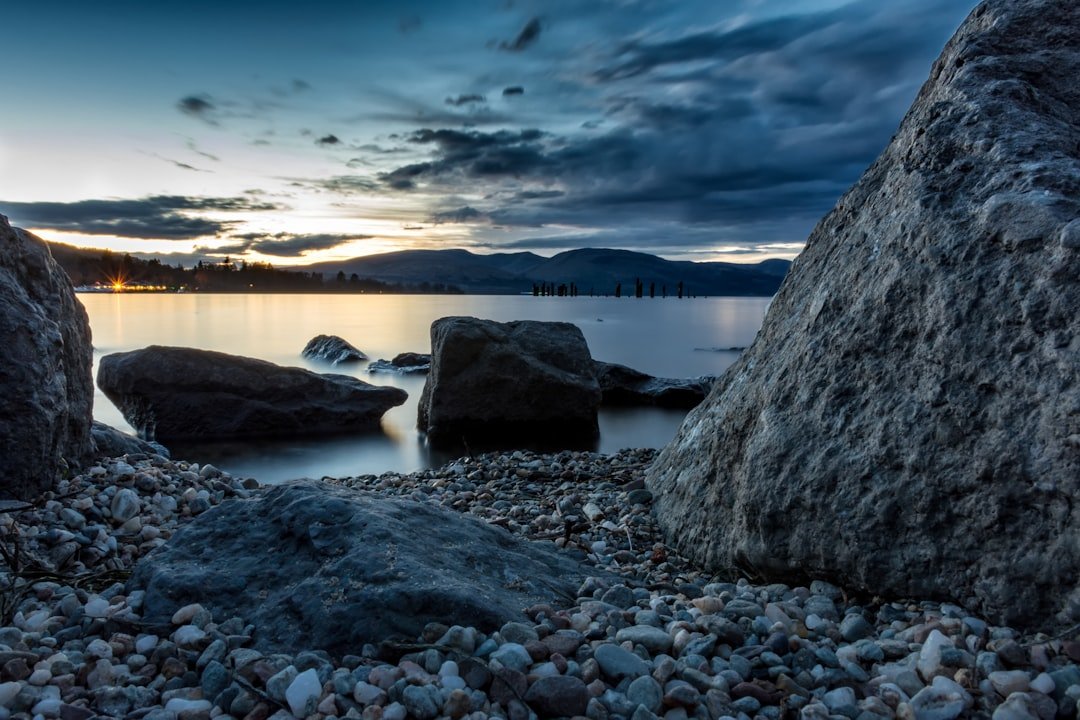
The Challenge of Capturing Three-Dimensional Scenes in Digital Files
Many photographers encounter a perplexing disconnect between their on-location observations and the final digital output. During capture, the environment possessed remarkable spatial qualities, authentic atmospheric conditions, and compelling visual layering. Yet when reviewing the RAW file on a monitor, the image appears remarkably two-dimensional and uninspired.
This phenomenon stems from fundamental differences in how human vision processes scenes compared to camera sensors. Your eyes continuously adjust to tonal variations, depth cues, and subtle gradations that convey three-dimensionality. A RAW file, by contrast, captures data in a relatively neutral state, requiring intentional post-processing decisions to reconstruct the spatial relationships you experienced.
Understanding RAW File Characteristics
RAW files represent unprocessed sensor data, which provides tremendous advantages for post-processing flexibility. However, this neutrality means the file often lacks the visual punch and dimensional quality present in JPEG renderings or finished photographs. The absence of in-camera processing algorithms means photographers must take active steps during editing to restore the dimensionality that initially attracted them to the scene.
Built-In RAW Editing Tools for Spatial Enhancement
Modern RAW processing software contains sophisticated mechanisms for adding perceived depth without requiring third-party filters or plugins. The key involves understanding how tonal separation creates visual hierarchy and spatial recession.
Shadow and highlight adjustment forms the foundation of this technique. By selectively deepening shadows while controlling highlight compression, you establish tonal separation between foreground, middle ground, and background elements. This contrast naturally guides viewer perception toward spatial differentiation.
Clarity and texture controls provide another dimension to depth enhancement. Strategic clarity increases in the midtones enhance local contrast and edge definition, making subjects appear to advance while maintaining smooth background transitions. Conversely, reducing clarity in distant elements reinforces atmospheric perspective.
Targeted luminance adjustments allow you to manipulate specific color ranges independently. Lightening background elements while maintaining foreground saturation naturally creates recession and separation between compositional layers.
Masking and Graduated Adjustments
Most RAW processors include masking capabilities that enable location-specific modifications. Radial and linear gradients allow you to apply depth-enhancing adjustments exclusively to foreground or background regions, maintaining editorial control over dimensional enhancement.
Practical Implementation Strategy
Begin by establishing a baseline exposure and white balance. Subsequently, apply graduated tonal adjustments to create separation between compositional planes. Use targeted clarity modifications to enhance perceived dimensionality in primary subjects. Finally, employ masking to ensure adjustments remain subtle and natural-appearing rather than obvious or artificial.
The objective involves recreating the spatial experience you encountered during shooting without requiring external software investments. By leveraging native RAW processing tools strategically, photographers can transform seemingly flat captures into dimensionally compelling images that honor their original vision.